
The Ghost in the Machine: Why Egress Filtering is Your Final Safety Net
Why Ingress filtering isn't enough. A deep dive into OPNsense RFC 1918 blocking, SNMP reconnaissance leaks, and the importance of VPN kill switches.

We often obsess over Ingress Filtering building the high walls to keep the bad guys out. But as network architects, we sometimes forget the messier side of the equation: Egress Filtering, or stopping our own devices from shouting secrets into the void.
Last week, my OPNsense firewall caught a device red-handed. It wasn't malware. It wasn't a botnet. But something on my network was frantically trying to communicate with a ghost.
The Discovery: Suricata Rings the Bell
I didn't find this anomaly because I was lucky enough to be staring at a log dashboard at the exact right moment. I found it because I had an automated sentry watching the wire for me.
I run Suricata, an enterprise-grade Intrusion Detection System (IDS), directly on my OPNsense firewall. Usually, it’s quiet, silently inspecting packets for malicious signatures. But on Tuesday afternoon, it started screaming. A high-severity alert hit my dashboard:
ET POLICY SNMP outbound request to External Net
This immediately set off alarm bells. SNMP (Simple Network Management Protocol) is strictly a LAN-side protocol. Seeing any device try to push an SNMP packet out through the public ISP gateway was a major red flag.
The Forensics: Dropping to the Shell
While Suricata gave me the "what" (a policy violation), I needed the "why." To get the ground truth, I bypassed the dashboard and SSH’d directly into the OPNsense box. I fired up tcpdump to inspect the raw traffic on the LAN interface. I needed to catch the packet before it hit the firewall processing rules to see the payload.
Bash
tcpdump -i igb1 -n udp port 161
The output was immediate and damning. The protocol wasn't some mysterious malware beacon; it was a rhythmic, persistent interrogation of a device that wasn't there.
Plaintext
18:34:41.255352 IP 192.168.x.x.60379 > 10.x.x.x.161: GetRequest(97) .1.3.6.1.2.1.25.2.3.1.2.1 ...
18:35:01.248588 IP 192.168.x.x.60379 > 10.x.x.x.161: GetRequest(102) .1.3.6.1.2.1.43.13.4.1.9.1.1 ...
The Suspect: What is SNMP?
To understand why I panicked, we have to talk about what SNMP actually does. It is the universal language of "Status Reports." Administrators use it to monitor the health of routers, switches, and crucially printers.
The packets I captured contained GetRequest OIDs (Object Identifiers). By decoding those strings of numbers, I could see exactly what the device was trying to learn about the remote "ghost":
.1.3.6.1.2.1.25...(Host Resources): It was asking about storage capacity and memory usage..1.3.6.1.2.1.43...(Printer MIB): This was the smoking gun. It was specifically checking toner levels and supply status.
When Suricata detected these packets destined for the WAN, it wasn't just seeing "management traffic." It was seeing a Reconnaissance Leak. If these packets had traversed the public internet, they would have exposed the "Internal Topology" of a remote network.
The Reveal: Tracing the Source
I checked my DHCP leases for the source IP 192.168.x.x. My heart sank, but not for the reason you'd think. It wasn't a compromised IoT fridge, and it wasn't even my own machine.
It was a guest’s laptop.
This adds a layer of complexity to network management: The Unmanaged Asset. I don't control this laptop's configuration, its updates, or its software, yet it’s sitting on my wire, broadcasting data meant for a private corporate environment into my local logs.
The Root Cause: The Tunnel Collapsed The investigation was short. The guest’s laptop is usually connected to their office VPN, a secure tunnel to a remote network. Inside that remote network lives a printer at 10.x.x.x.
Normally, the OS routing table looks like this:
- Traffic for Google.com -> Local Gateway (My Home Router)
- Traffic for 10.x.x.x -> VPN Interface (
tun0)
But that afternoon, their VPN was disconnected. A background printer utility on their laptop tried to poll the office printer's status. The OS looked up the destination (10.x.x.x). Seeing no active VPN interface, it fell back to the Default Gateway. It blindly handed the packet to my home router, effectively saying, "I don't know where this is, you deal with it."
The Fix: Kill Switches and Blackholes
This incident reinforced why "Default Gateway" behavior is dangerous for secure endpoints, especially when those endpoints are visiting other networks.
- The Client-Side Fix (VPN Kill Switch): The guest’s VPN client was misconfigured. It should have had a "Kill Switch" enabled. This feature ensures that if the tunnel drops, traffic destined for the
10.x.x.xrange is blocked instantly rather than routed to the insecure local gateway. - The Network-Side Fix (RFC 1918 Filtering): This is why I run OPNsense. My firewall is set to explicitly** BLOCK and LOG** any outbound WAN traffic destined for private IP ranges (RFC 1918).
The Lesson
Your operating system is optimistic; it wants to connect. If the secure road is closed, it will happily try the insecure one. As architects, we have to be the pessimists. We have to assume that every device especially a guest device we don't manage might try to leak data the moment a VPN fails. Egress filtering ensures that when they do, the traffic dies at the edge.
Field Log Discussion
Public @handle only · Private email hidden · Fenced code blocks supported
Join the architecture review under a self-chosen @handle. Your email address is never displayed publicly.
Related Field Logs
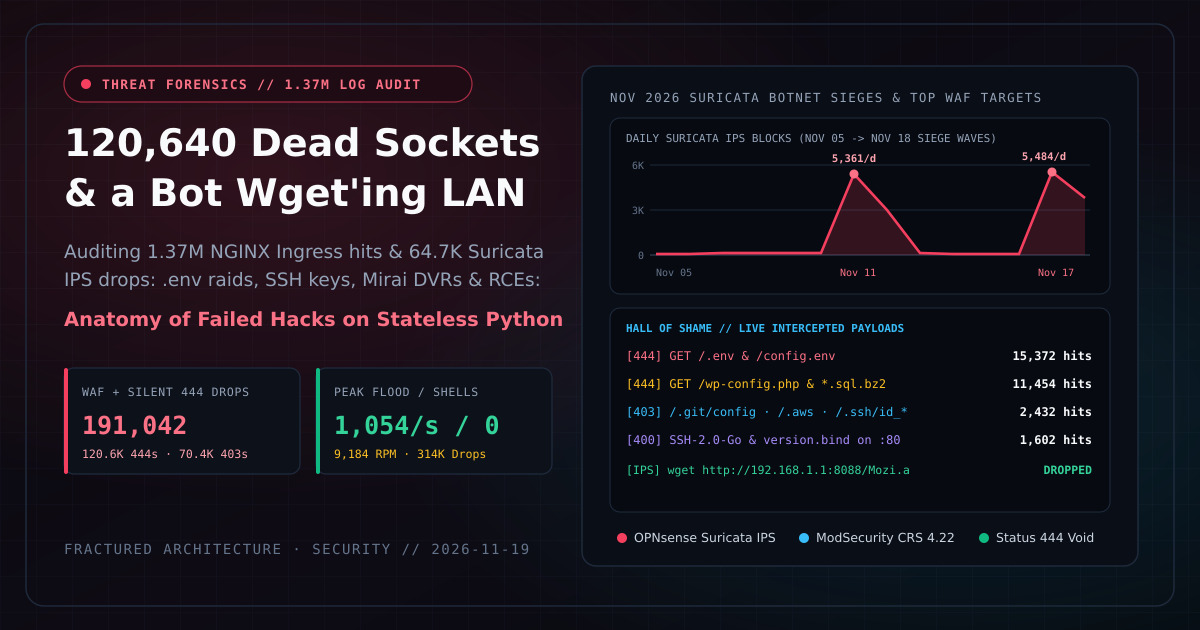
120,640 Dead Sockets and a Bot Wget'ing Its Own Router: Auditing 1.37 Million Live Attack Logs Across Suricata and ModSecurity
Auditing 1.37M NGINX Ingress logs and 64.7K Suricata IPS drops: 120,640 silent 444 kills, fake Googlebots firing React2Shell, and a bot wget'ing 192.168.1.1.

Architecture: The 10G eBPF Edge with OPNsense & Istio-Ready Cilium DSR
Achieve maximum 10G throughput. Learn how to configure Cilium with Native Routing and DSR for real client IP preservation and enterprise-grade observability.
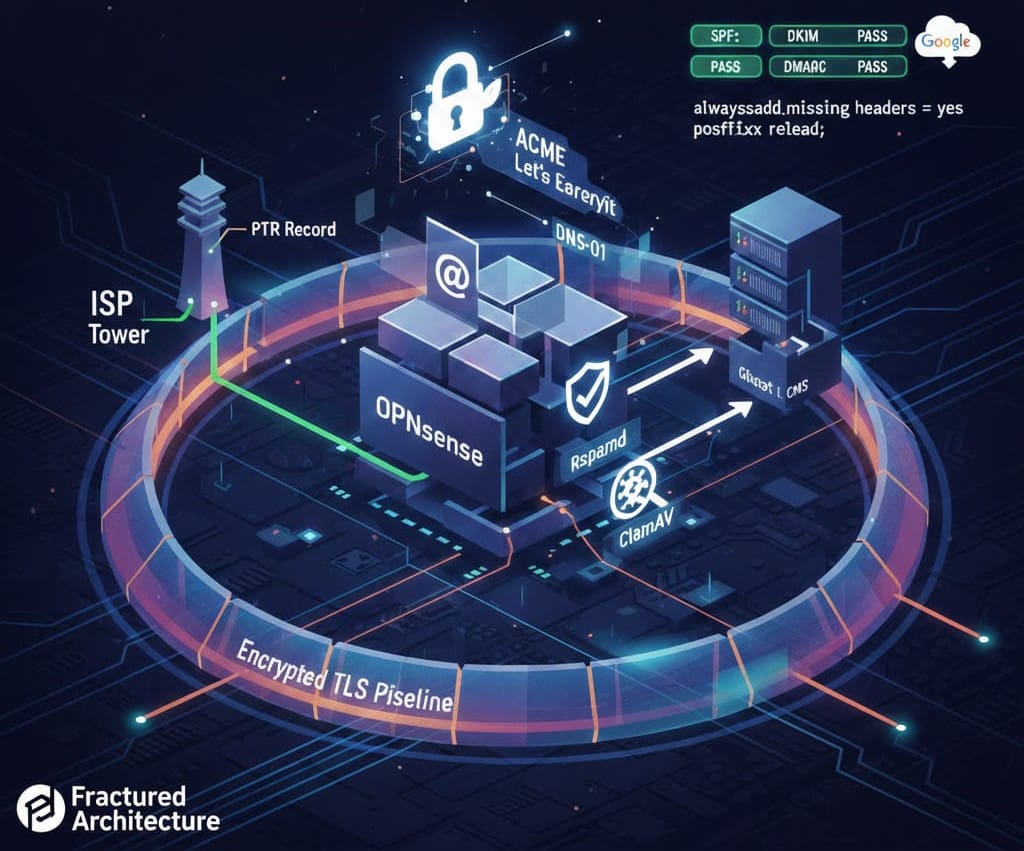
Mail Sovereignty Part I: The Architecture of Independence
A deep dive into building a hardened mail gateway. Learn how to satisfy Google’s SMTP standards and maintain a perfect sender reputation on your own hardware.
Loading discussion notes...