
Mail Sovereignty Part I: The Architecture of Independence
A deep dive into building a hardened mail gateway. Learn how to satisfy Google’s SMTP standards and maintain a perfect sender reputation on your own hardware.
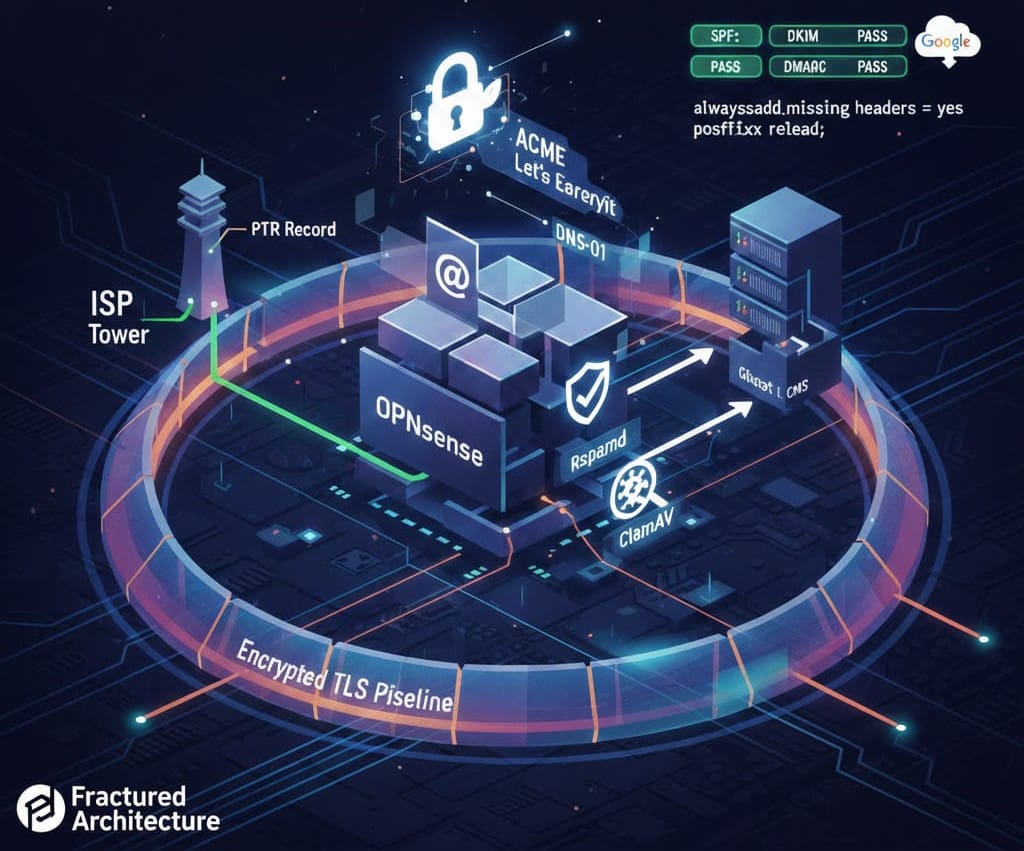
Warning: Not for the faint of heart. Do not attempt unless you know exactly what you are doing and are a perfectionist. Triple check all of your configuration before sending the first email. After you have triple checked, check again. Seriously make sure your configuration matches what you expect by interrogating the configuration you think it should be using and what it is using. You were warned.
"In theory, there is no difference between theory and practice. In practice, there is."
The Philosophy of Digital Sovereignty
The "Mailgun tax" is a well-known barrier for independent publishers. While platforms like Ghost make it incredibly easy to send newsletters by tethering you to a preferred partner, they effectively hold your deliverability hostage.
Choosing to host your own mail infrastructure is an act of digital sovereignty. It means moving your data and your reputation away from "Big Tech" and into a stack you own, manage, and audit. This architecture is designed to route everything through a private, hardened environment from day one.
The OPNsense Gateway: The Heart of the Stack
The center of this architecture is an OPNsense firewall, acting not just as a barrier, but as a sophisticated mail gateway. Instead of letting an application talk directly to the internet, we implement a multi-layered security pipeline.
- The Router (Postfix): This is the air traffic controller. It manages the queue, handles the handshakes with recipient servers, and ensures that mail is formatted according to global standards.
- The Brain (Rspamd): This is the most critical component. It analyzes outgoing mail to ensure it doesn't "look" like spam. It handles the cryptographic signing and applies the technical markers that tell the world your mail is legitimate.
- The Guard (ClamAV): To protect your reputation, every byte of outgoing data is scanned for malicious content. This ensures you never accidentally distribute a virus, which would lead to an instant, permanent blacklist of your IP.
The Identity Stack: The Holy Trinity
In the world of self-hosted mail, your IP address is your passport, and your DNS records are your visas. Without perfect "Identity," your mail will be silently dropped. We rely on three pillars to prove we are who we say we are:
- SPF (Sender Policy Framework): A simple but rigid list in your DNS that tells the world exactly which IP addresses are authorized to send mail for your domain.
- DKIM (DomainKeys Identified Mail): A cryptographic signature attached to the "envelope" of your email. It proves that the content hasn't been tampered with since it left your server.
- DMARC (Domain-based Message Authentication, Reporting, and Conformance): This is your global policy. It tells recipient servers what to do if the SPF or DKIM checks fail (e.g., "reject the mail" or "put it in spam").
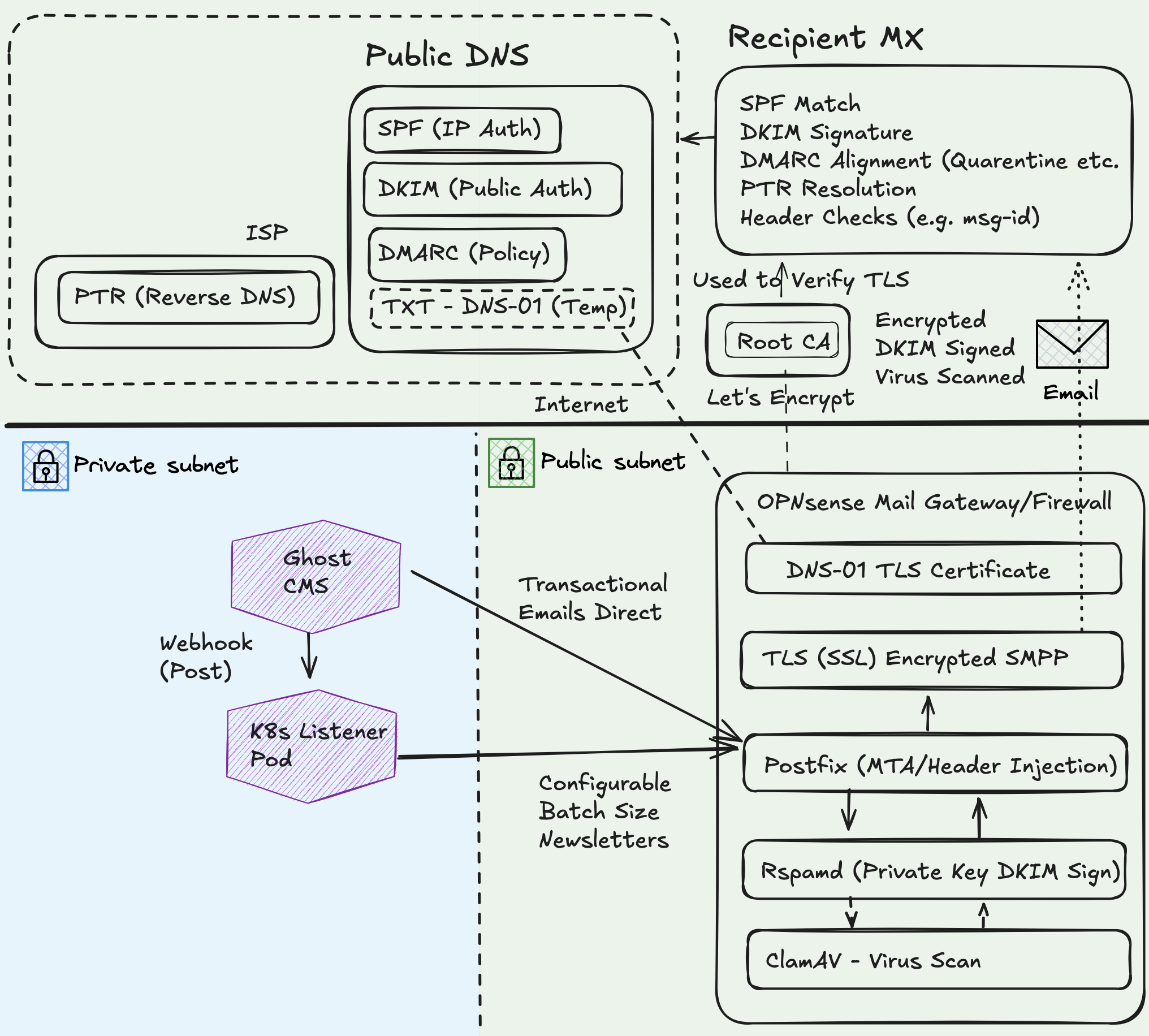
Mail Sovereignty - High Level Architecture
The Standard of Perfection: Satisfying Google
Achieving a perfect delivery status where Google’s headers show a clean sweep of PASS marks for SPF, DKIM, and DMARC is the ultimate benchmark for a self-hosted stack. Google maintains some of the most rigorous SMTP standards on the planet. If a single byte of the handshake is off, or if a mandatory header is missing, your message is either silently dropped or relegated to the Promotions abyss.
When Google’s MX servers inspect a newsletter from this stack, they aren't just seeing an email; they are seeing a verified chain of trust:
- The PTR record confirms the IP belongs to the domain.
- The ACME-managed TLS certificate proves the connection is secure.
- The Rspamd-generated DKIM signature guarantees the content is untampered.
- The Postfix header-injection ensures the metadata is complete.
This isn't Google Magic. It is the result of an architecture that respects the rules of the road. When you meet these standards, you stop being a suspicious home server and start being a peer in the global mail network.
The ISP and Visibility Hurdle
Architecture is irrelevant if the rest of the internet flags your source as a "residential" or "untrusted" IP. Most internet service providers block the standard mail ports by default to prevent botnets.
To achieve sovereignty, you must have a Static IP and a Reverse Lookup (PTR) record. When a server at Gmail receives your email, it does a "reverse check" to see if your IP address resolves back to your specific domain. If this record is missing or mismatched, your "Chain of Trust" is broken, and your mail will fail.
Looking Ahead: The Technical Blueprint
Understanding the high-level architecture is the essential first step, but "god is in the details." Sovereignty requires more than just a conceptual framework; it requires precise implementation across every layer of your infrastructure.
In Part II, we will transition from theory to practice. We will move into a detailed technical breakdown of the configuration files, covering the Ghost production settings, the Python-driven Kubernetes listener pod logic, and the OPNsense template modifications required to keep your headers compliant. We will also deep-dive into the "Postmaster's Toolkit" to ensure you can audit and troubleshoot your stack like a professional.
Mail Sovereignty Part II: Building a Professional OPNsense Mail Stack Master self-hosted email sovereignty. Learn to build a professional-grade mail gateway using OPNsense, Postfix, Rspamd, and Redis with Route53 DNS-01 automation. Mail Sovereignty Part II: Building a Professional, Self-Hosted Stack
Field Log Discussion
Public @handle only · Private email hidden · Fenced code blocks supported
Join the architecture review under a self-chosen @handle. Your email address is never displayed publicly.
Related Field Logs

Architecture: The 10G eBPF Edge with OPNsense & Istio-Ready Cilium DSR
Achieve maximum 10G throughput. Learn how to configure Cilium with Native Routing and DSR for real client IP preservation and enterprise-grade observability.

Blog security overview
Hardening self-hosted infrastructure with OPNsense GeoIP bans, Suricata IPS, Tor blocking, NGINX ModSecurity WAF rules, and automated reporting.
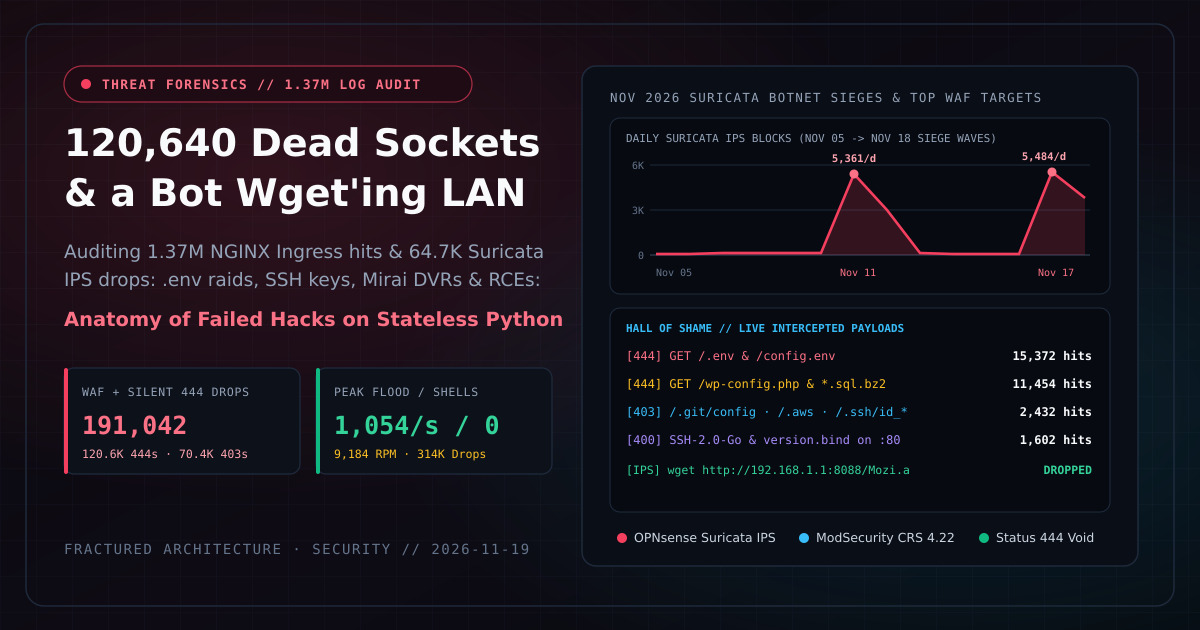
120,640 Dead Sockets and a Bot Wget'ing Its Own Router: Auditing 1.37 Million Live Attack Logs Across Suricata and ModSecurity
Auditing 1.37M NGINX Ingress logs and 64.7K Suricata IPS drops: 120,640 silent 444 kills, fake Googlebots firing React2Shell, and a bot wget'ing 192.168.1.1.
Loading discussion notes...