
K8s Horizontal Autoscaling
Scaling stateful apps on K8s is hard. Explore my architecture for shared state using CephFS, Node.js concurrency lane tuning, and rolling-restart cache syncing.


K8s Horizontal Autoscaling
Unlocking Ghost Performance
Most tutorials on scaling Kubernetes applications assume you are running stateless microservices. "Just add an HPA and walk away," they say. But if you are hosting a platform like Ghost which was originally designed as a monolithic, file-based CMS horizontal scaling forces you to confront a fundamental architectural challenge: State.
In this post, I’m going to break down how I moved my blog from a single, vertically scaled pod to a high-performance, auto-scaling fleet. The secret wasn't just in the Kubernetes configuration; it was in the storage layer.
The Storage Problem: RWO vs. RWX
By default, Ghost stores all your uploaded images, themes, and configuration files in a local content/ directory. In a Kubernetes environment, this creates a lock.
Most block storage (like AWS EBS or standard Ceph RBD) is ReadWriteOnce (RWO). This means the storage volume can only be mounted by a single node and therefore a single pod at a time. If you try to scale your deployment to 3 replicas, the first pod will start, and the other two will crash with "Multi-Attach" errors because the drive is physically locked by the first instance.
To break this lock, I leveraged my underlying Ceph cluster.

Instead of using standard Block Device Images (RBD), I migrated my Ghost content volume to CephFS backed by an** NVMe** pool. CephFS is a distributed file system that supports** ReadWriteMany (RWX)** access modes.
This change allowed me to mount the exact same 100GB /var/lib/ghost/content volume into multiple pods simultaneously. Whether I have 1 pod or 10, they all read and write to the same high-speed NVMe layer in real-time. No locks, no sync delays, just shared state.
The "Why": Node.js and the Single Thread
Once the storage layer was unlocked, the question became: Why scale horizontally instead of just giving the single pod more CPU?
The answer lies in the architecture of Node.js, which powers Ghost.
Node.js is famous for its non-blocking I/O, but it is fundamentally single-threaded. It runs on a single CPU core. This means that if the application is performing a CPU-intensive task like resizing a large image upload, rendering a complex theme helper, or processing a webhook that one thread is busy.
In a single-pod setup, if a bot starts crawling my site while I’m navigating the admin panel, my requests get queued behind the bot’s requests. I have to wait for the main thread to free up.
By scaling horizontally to a minimum of 3 replicas, I effectively triple my concurrency lanes.
- Replica 1 handles the bot crawler.
- Replica 2 serves a reader in Europe.
- Replica 3 serves my admin panel request instantly.
The Kubernetes Service acts as a load balancer, routing traffic to whichever pod is least busy. The result isn't just "more capacity" it's a massive reduction in latency because requests are rarely waiting in a queue.
Configuring the Auto Scaler (HPA)
With the storage shared and the architecture explained, the final piece is the automation. I used the standard Kubernetes Horizontal Pod Autoscaler (HPA) to manage the fleet.
Here is the configuration I deployed:
YAML
apiVersion: autoscaling/v2
kind: HorizontalPodAutoscaler
metadata:
  name: ghost-hpa
  namespace: ghost
spec:
  scaleTargetRef:
    apiVersion: apps/v1
    kind: Deployment
    name: ghost-blog
  minReplicas: 3
  maxReplicas: 10
  metrics:
  - type: Resource
    resource:
      name: cpu
      target:
        type: Utilization
        averageUtilization: 60
The Strategy
- MinReplicas: 3: I set the floor at 3 pods. This ensures High Availability (HA). I can lose a node, restart a pod, or upgrade the cluster without ever dropping a single request. It also ensures the baseline concurrency is always high.
- MaxReplicas: 10: If a post goes viral, the cluster is authorized to spawn up to 10 instances to absorb the traffic spike.
- Target CPU: 60%: I chose a conservative 60% utilization trigger. Because Node.js performance degrades rapidly once the event loop gets saturated, I want Kubernetes to spin up a new pod before the current ones are maxed out, not after.
The Result
The combination of CephFS NVMe for shared state and** Horizontal Scaling** for concurrency has made the site significantly snappier. Pages load instantly, the admin interface is responsive even during traffic spikes, and the architecture is now fully self-healing.
I’m no longer relying on a single "pet" server to stay alive. I have a swarm, and it handles itself.
I'll write another post on my Ceph setup which is highly integrated with K8s through Rook. I use specialized configuration because I wanted to integrate with an external ceph cluster not let K8s create the ceph cluster. We'll talk about this later another time.
The "Gotcha": Split-Brain Caching
Scaling a monolithic application like Ghost isn't without its quirks. While the storage layer is now shared via CephFS, and the database is centralized in MySQL, there is one layer that remains isolated: Memory.
Ghost was designed as a single-process application. It maintains an internal map of all valid URLs (routes) and settings in its local Node.js heap. This creates a classic distributed system problem known as "Split Brain."
The Scenario
Here is exactly what happens when you publish a new post in a clustered environment:
- The Publish: You hit "Publish" in the admin panel. The load balancer routes this request to** Pod A**.
- The Update:Pod A writes the new post to the database and updates its local memory to say: "The URL
/k8s-horizontal-autoscaling/is now live." - The Drift:Pod B and** Pod C** are sitting idle. They have no idea you just published anything. Their local memory maps still believe that URL doesn't exist.
- The 404: A user (or bot) requests the new post. The load balancer routes them to** Pod B. Pod B checks its memory, sees no route for that URL, and returns a 404 Not Found**.
The Solution: The Rolling Restart
Because Ghost lacks a native pub/sub mechanism to invalidate the cache across a cluster, the only reliable way to sync the fleet is to force a reload.
I incorporated a simple "Reset" command into my publishing workflow. Whenever I publish a new post or change global settings, I trigger a zero-downtime rollout:
Bash
kubectl rollout restart deployment ghost-blog -n ghost
This commands Kubernetes to spin up fresh pods which read the latest state from the database on startup and gracefully terminate the old ones. It takes about 10 seconds, ensures 100% consistency, and thanks to the HPA, never drops a connection.
The Path Forward: True Scalability
While the current architecture delivers exceptional performance, the manual cache invalidation is a temporary workaround, not a final solution.
I will be submitting detailed feedback to the Ghost development team advocating for a native mechanism to reload the application state on-demand either via an API trigger or an automatic event-based listener. For a platform to be truly cloud-native, it must handle distributed state without requiring an orchestration intervention.
For now, as the sole author of this blog, the tradeoff is acceptable. I can easily trigger a zero-downtime rolling restart whenever I publish a new post, change a layout, or update code injection settings. It is a small manual price to pay for the massive performance gains of running a high-availability, auto-scaling fleet on bare metal Kubernetes.
2/16/2026 Update: I modified my approach to use NGINX Caching. I might revisit this further if my logged in user count becomes a problem.
High-Performance Caching with Kubernetes NGINX Ingress and Ghost I run my Ghost blog on Kubernetes. It works well for orchestration, but out of the box, it can be heavy on resources. Every page load hits the Node.js backend and the database, even for static posts that haven’t changed in months. The architecture needs to be more efficient.
Field Log Discussion
Public @handle only · Private email hidden · Fenced code blocks supported
Join the architecture review under a self-chosen @handle. Your email address is never displayed publicly.
Related Field Logs
High-Performance Caching with Kubernetes NGINX Ingress and Ghost
Optimize your Ghost CMS on K8s. Learn how to leverage NGINX Ingress for high-performance caching, reducing backend load and improving Time to First Byte (TTFB).
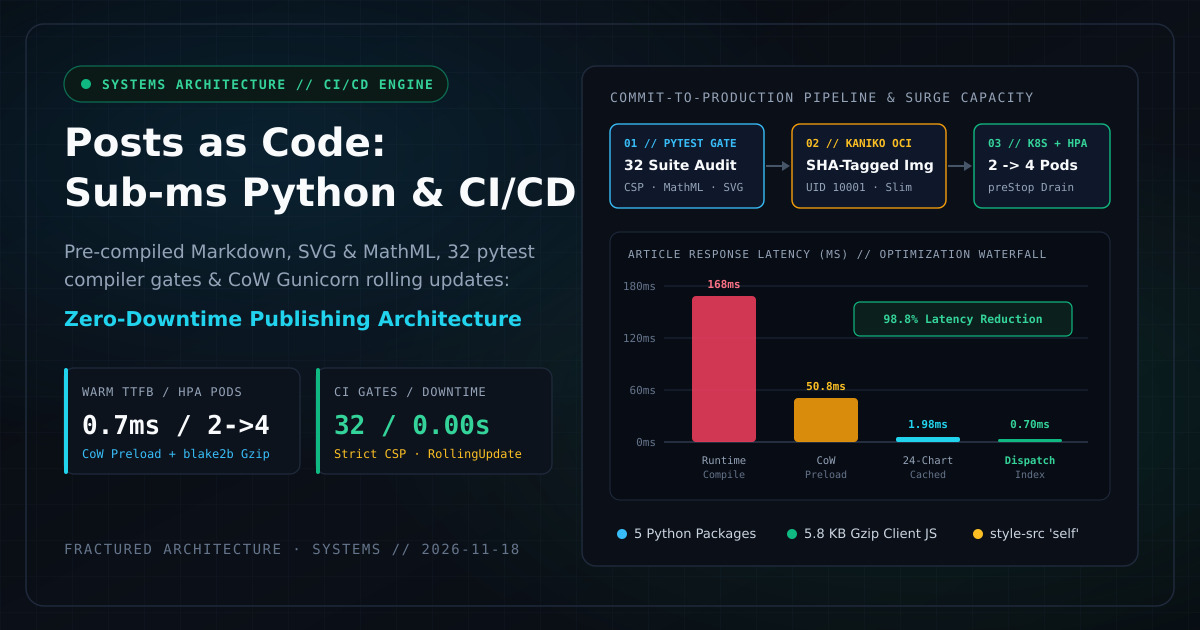
Posts as Code: Inside Our Sub-Millisecond Python, Pytest-Gated, and Zero-Downtime CI/CD Publishing Pipeline
How we compile 100K+ words, 120+ SVG charts, and 240+ MathML equations into a stateless Flask + Gunicorn engine with 32 pytest gates, HPA scaling, and 0s rollouts.
Mail Sovereignty Part II: Building a Professional, Self-Hosted Stack
Master self-hosted email sovereignty. Build a hardened OPNsense, Postfix, Rspamd, and Redis mail gateway with Route53 DNS-01 TLS and firmware-safe recovery.
Loading discussion notes...